News
paidpost is now a marketplace for creators and brands
A public catalog of X creators in 26 niches, pages for creators and brands, onboarding for both sides and guides on finding creators and ad labels.
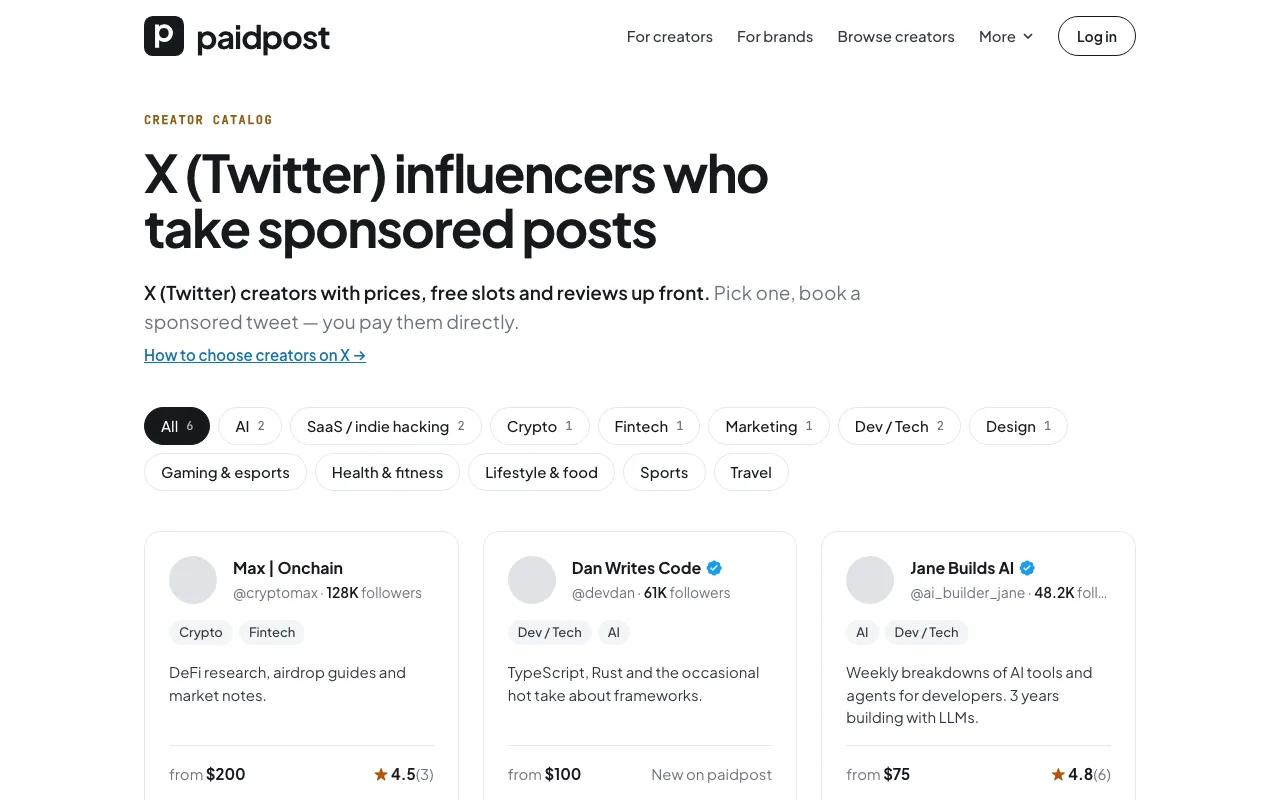
paidpost started as one link for creators: your prices, free slots and reviews on a page you put in your X bio. Brands booked you from it — but to find you, they had to already know you. Today paidpost becomes a marketplace for both sides: creators sell sponsored posts on X, and brands find and book them in one place.
A public catalog of creators
paidpost.net/creators lists every creator brands can book right now — with prices, free slots and reviews up front, biggest audiences first. No sign-up needed to browse.
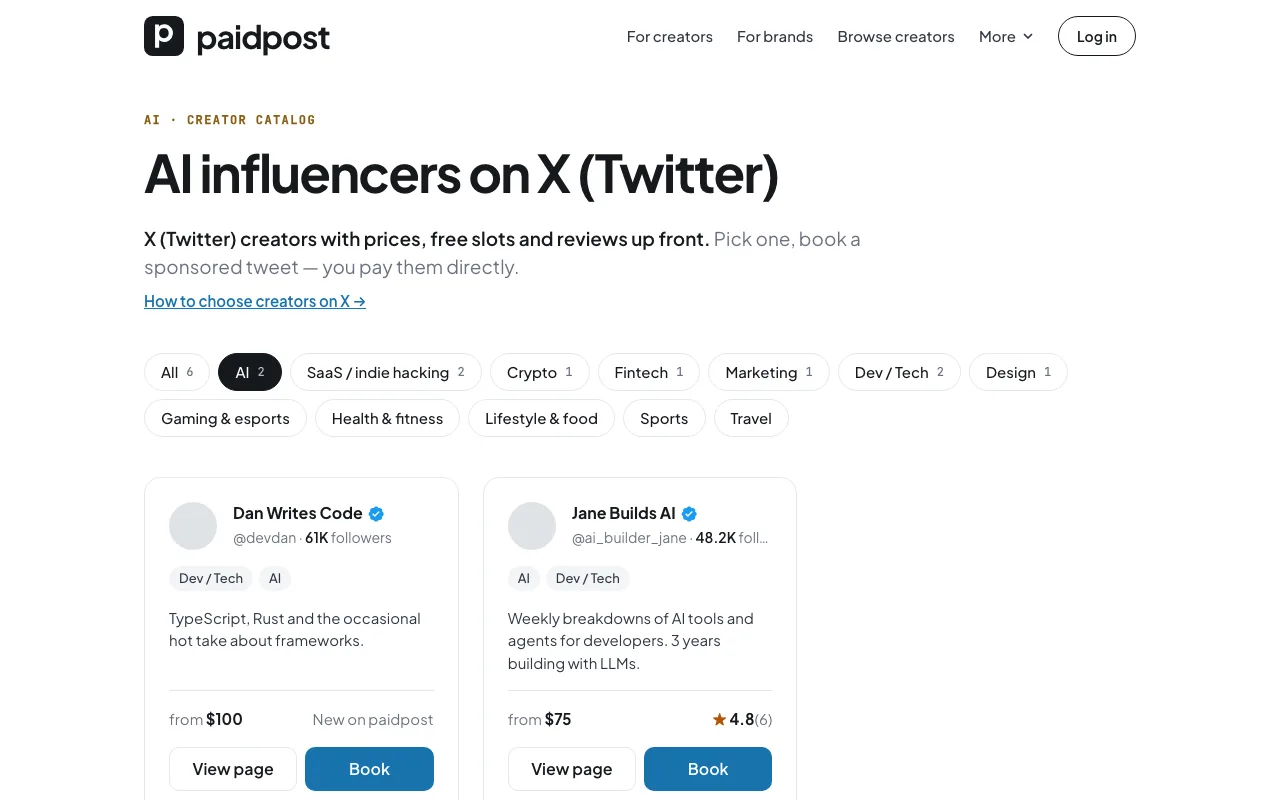
- 26 niches. AI, SaaS, crypto, fintech, marketing, tech and design, and now also gaming, sports, fitness, travel, lifestyle, music, politics, philosophy, memes and more. Creators pick up to three; each niche has its own page, like AI influencers.
- Advice on every niche page. What to look for in a creator of that niche, how to brief them, and the starting prices of its creators on paidpost.
Didn't find who you need? Tell us
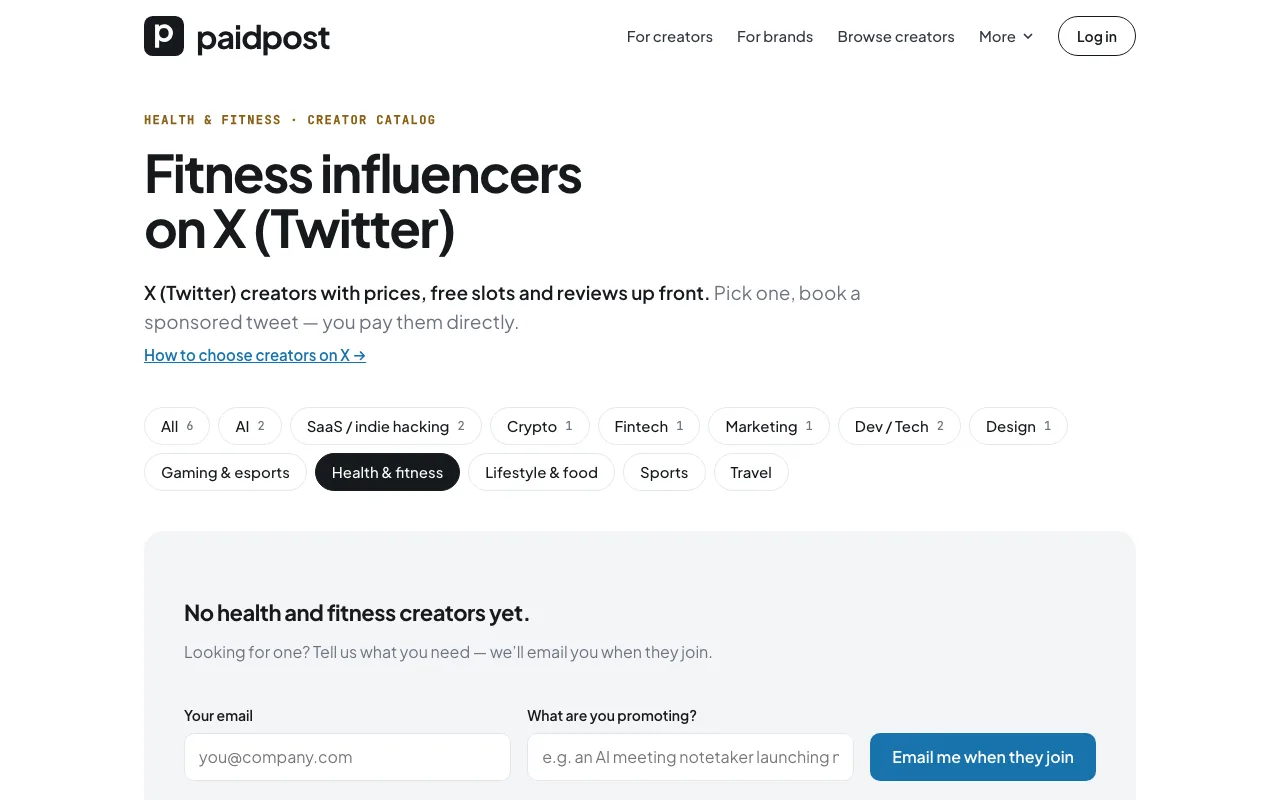
On a niche page, leave your email and what you're promoting. We'll send you one email when creators of that niche join — and use what you tell us to invite the right creators.
A page for each side
- For creators — how to sell sponsored posts on X with one link: rate card, calendar, deals, 100% of the payment.
- For brands — how to book creators: prices and slots up front, one post to many creators, a live preview, no markup.
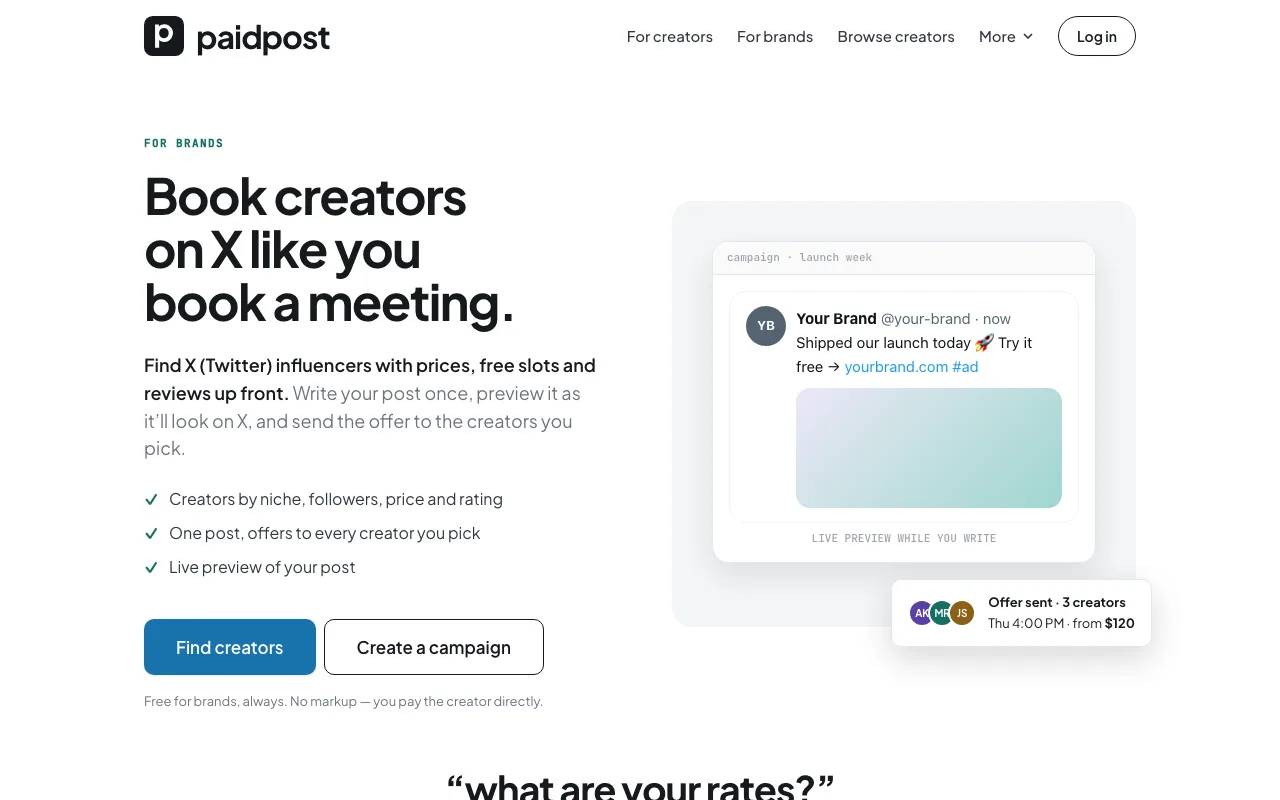
Onboarding for creators and brands
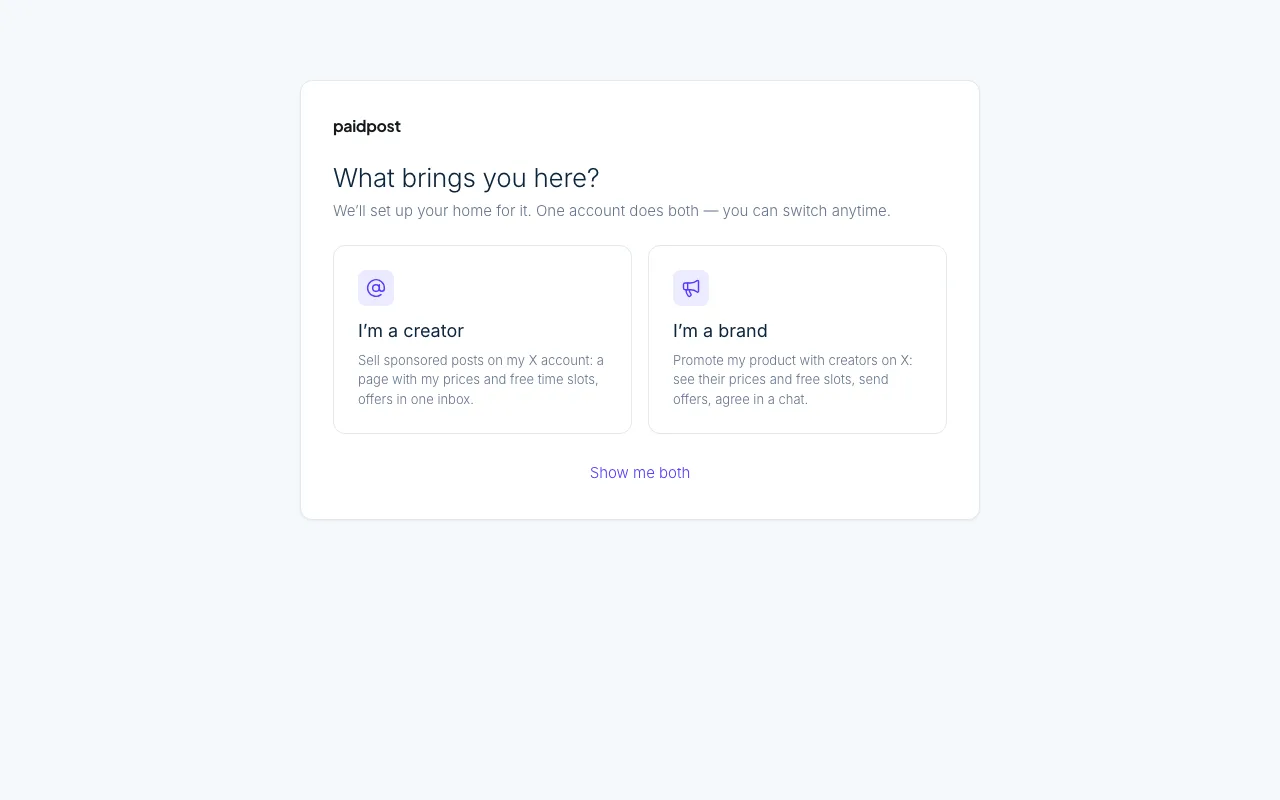
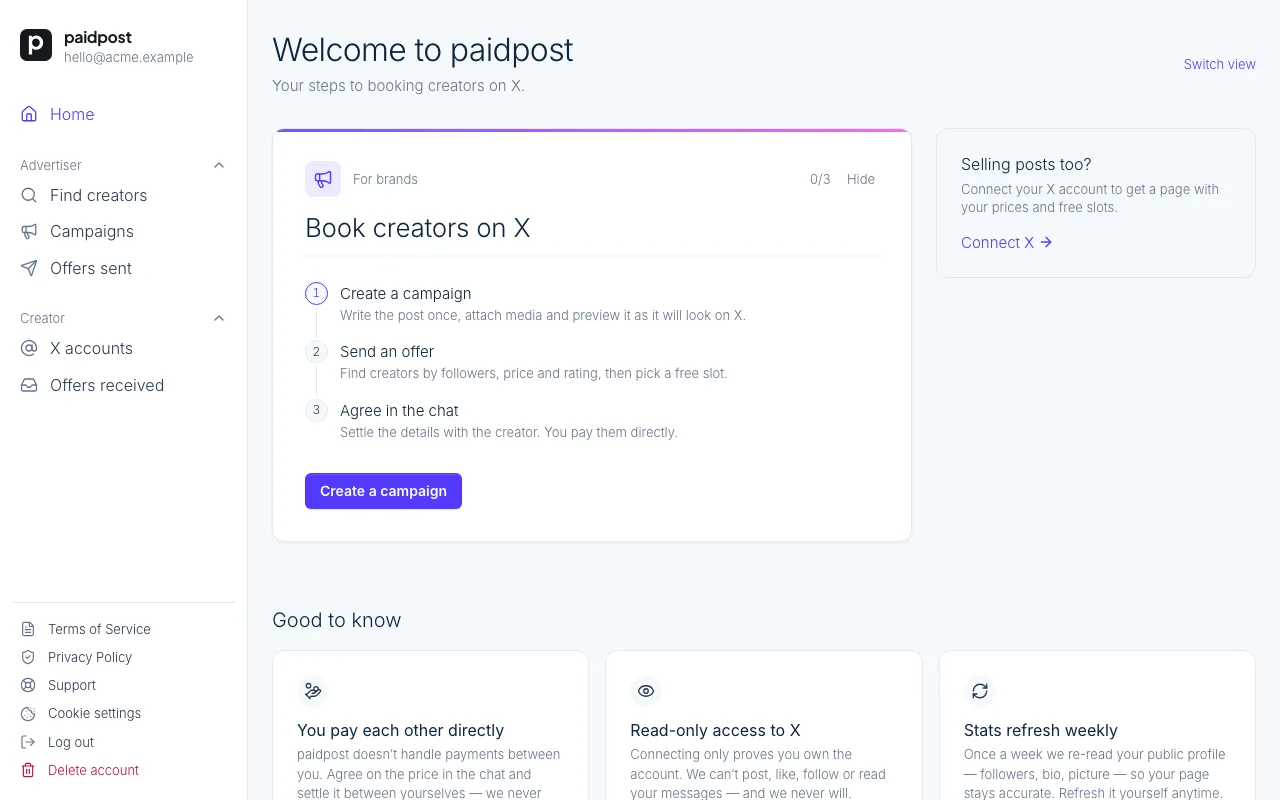
After sign-in, paidpost asks what brings you here — selling posts, booking creators or both — and your home page shows the steps for your side, ticking them off as you go: connect X, set prices and hours, share your page; or create a campaign, send an offer, agree in the chat.
Guides
- How to find influencers on X — for brands: where to look, how to check the audience is real, what to pay, how to brief and how to make sure the post goes live.
- How to disclose a sponsored post on X — for creators: X's Paid partnership label, when to add #ad, what the FTC expects and what X doesn't allow in paid posts.
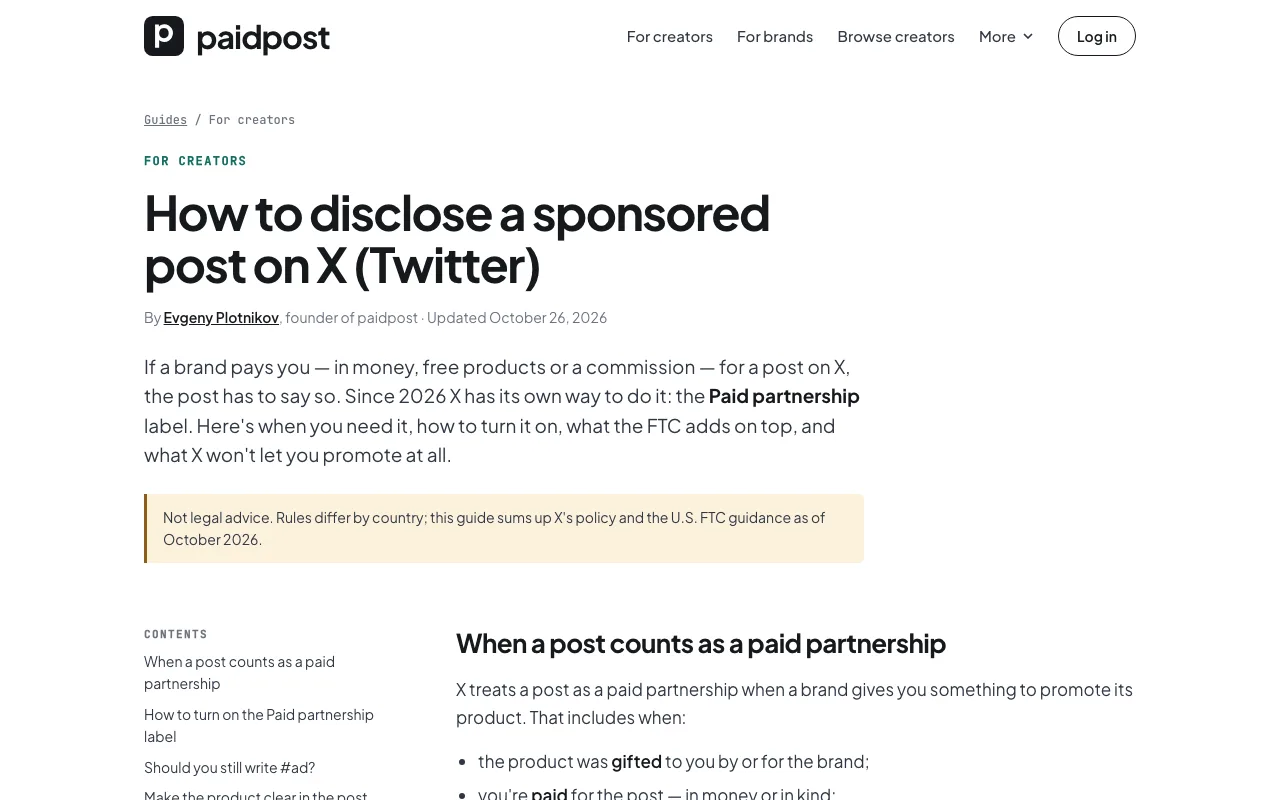
All guides live at paidpost.net/guides, under More in the menu.
Smaller things
- Friendlier error pages. If a page is missing or paidpost is down for a few minutes of maintenance, you'll see a clear page instead of a blank one — and an unclaimed paidpost.net/@username invites its owner to claim it.
- Better on phones. A new menu, two-column steps, a cleaner footer and fixed spacing across the site.
paidpost stays free for both sides: no subscription, no commission, and you pay creators directly.